Krux
March 21, 2026
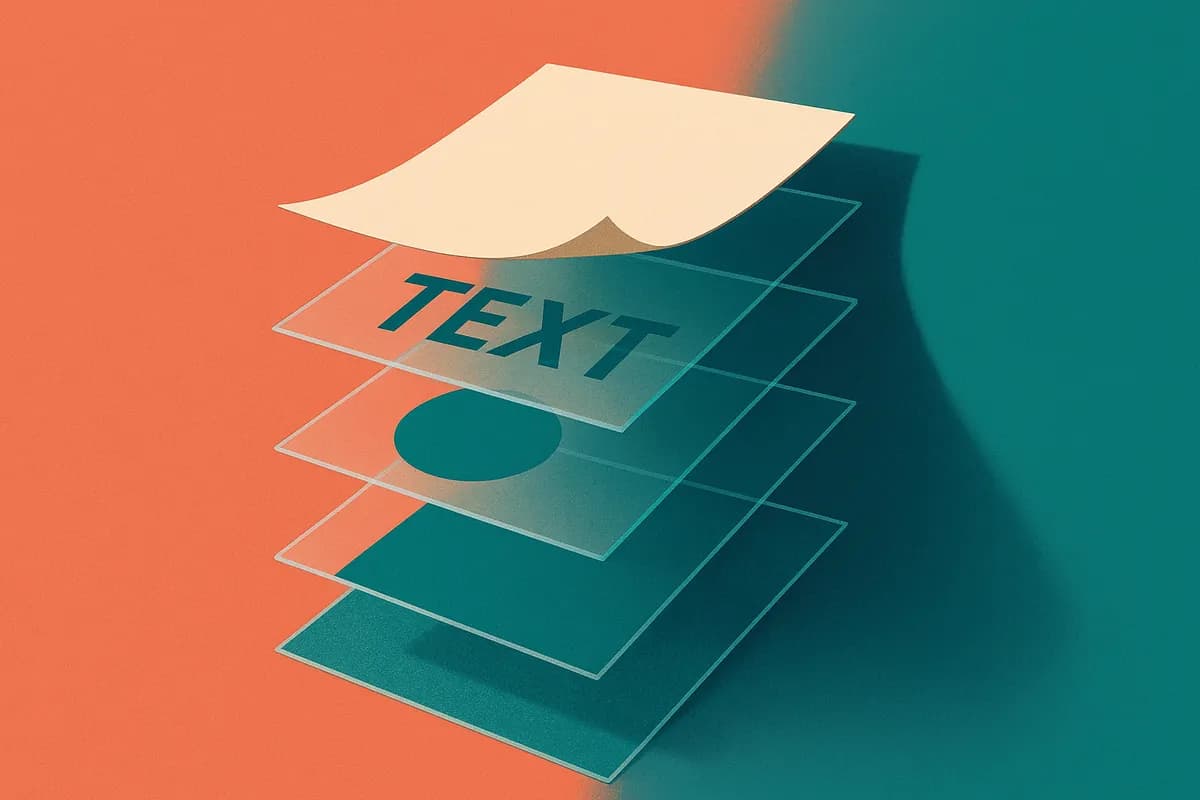
Canva Turns Flat AI Images Into Editable Layered Files
Published: March 21, 2026 at 12:38 AM
Updated: March 21, 2026 at 12:38 AM
100-word summary
Canva's new Magic Layers takes any flat image or AI-generated graphic and splits it into editable layers inside its design tool. Text becomes live text boxes you can retype. Visual elements separate onto their own layers. Backgrounds sit behind everything else, just like a real design file. The feature runs on Canva's Design Model, which has already generated hundreds of millions of editable presentations and documents. It works with images from ChatGPT, Claude, and Microsoft Copilot, plus anything you upload yourself. The company is testing it in the US, UK, Canada, and Australia before rolling out globally. The workflow shift is subtle but real: you can finally fix that AI-generated...
What happened
Canva's new Magic Layers takes any flat image or AI-generated graphic and splits it into editable layers inside its design tool. Text becomes live text boxes you can retype. Visual elements separate onto their own layers. Backgrounds sit behind everything else, just like a real design file. The feature runs on Canva's Design Model, which has already generated hundreds of millions of editable presentations and documents. It works with images from ChatGPT, Claude, and Microsoft Copilot, plus anything you upload yourself. The company is testing it in the US, UK, Canada, and Australia before rolling out globally.
Why it matters
The workflow shift is subtle but real: you can finally fix that AI-generated poster's typo without regenerating the whole thing.