Krux
March 15, 2026
Canva's Magic Layers Turns JPG Flyers Into Live Text
Published: March 15, 2026 at 12:32 AM
Updated: March 15, 2026 at 12:32 AM
100-word summary
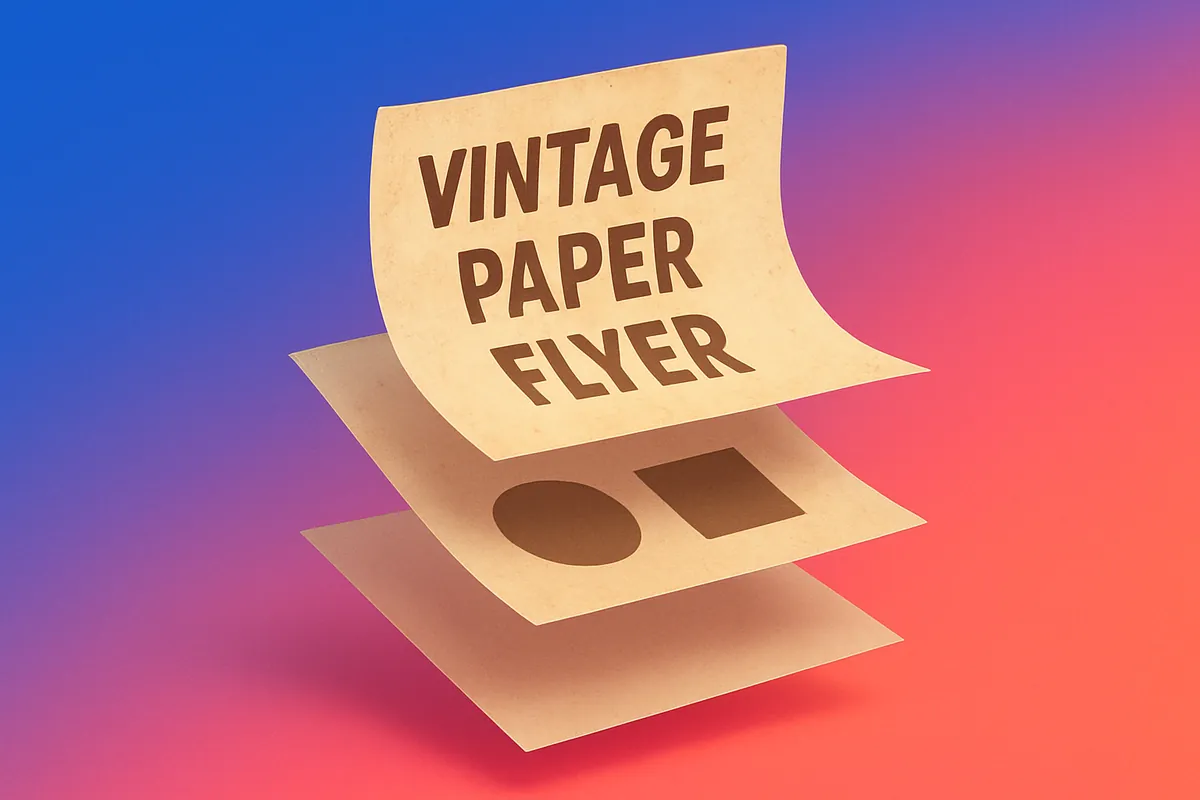
Canva launched Magic Layers in public beta this week, converting flat images into editable multi-layer designs. Upload a PNG or JPG poster and the tool separates text, objects, and backgrounds into individual layers you can tweak without rebuilding from scratch. Text becomes live and searchable; fonts, colors, and layout stay intact while you reposition elements. It's built on Canva's Design Model, which has already generated hundreds of millions of editable presentations and social posts. The beta covers the US, UK, Canada, and Australia for now. The workflow change is simple: stop recreating competitor ads or old campaign assets manually and start remixing them directly.
What happened
Canva launched Magic Layers in public beta this week, converting flat images into editable multi-layer designs. Upload a PNG or JPG poster and the tool separates text, objects, and backgrounds into individual layers you can tweak without rebuilding from scratch. Text becomes live and searchable; fonts, colors, and layout stay intact while you reposition elements. It's built on Canva's Design Model, which has already generated hundreds of millions of editable presentations and social posts. The beta covers the US, UK, Canada, and Australia for now.
Why it matters
The workflow change is simple: stop recreating competitor ads or old campaign assets manually and start remixing them directly.