Krux
March 14, 2026
Canva Turns AI Visuals Into Editable Layers Automatically
Published: March 14, 2026 at 12:39 AM
Updated: March 14, 2026 at 12:39 AM
100-word summary
Canva's new Magic Layers converts flat AI-generated images into fully editable, multi-layer designs inside its editor. Upload a PNG or JPG and the tool separates text, graphics, and layout elements so you can recolor a logo, resize a headline, or animate a button without starting over. It works with outputs from ChatGPT, Claude, and Microsoft Copilot. The beta launches first in the US, UK, Canada, and Australia for paying subscribers. The gamble: that marketers will tweak AI drafts more often than they'll recreate them from scratch, turning Canva into the last-mile editor for every generative tool.
What happened
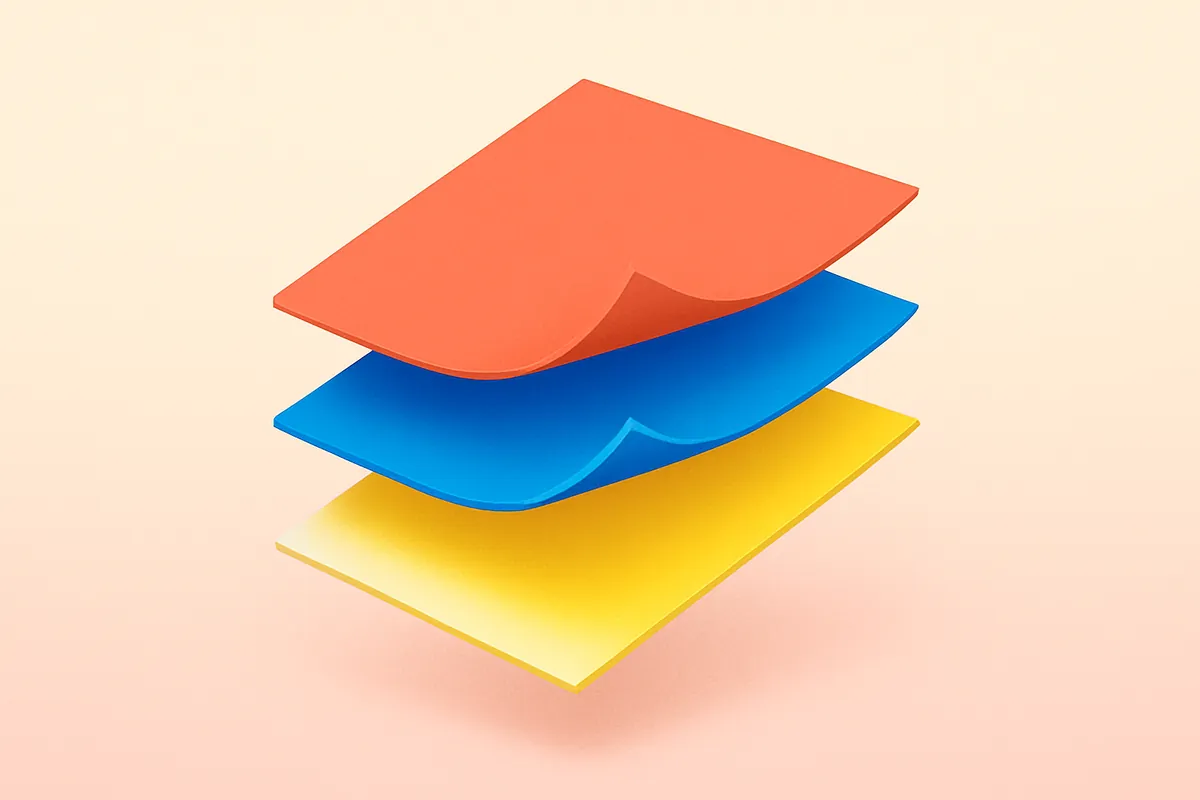
Canva's new Magic Layers converts flat AI-generated images into fully editable, multi-layer designs inside its editor. Upload a PNG or JPG and the tool separates text, graphics, and layout elements so you can recolor a logo, resize a headline, or animate a button without starting over. It works with outputs from ChatGPT, Claude, and Microsoft Copilot. The beta launches first in the US, UK, Canada, and Australia for paying subscribers.
Why it matters
The gamble: that marketers will tweak AI drafts more often than they'll recreate them from scratch, turning Canva into the last-mile editor for every generative tool.